
DoorCheckr Smart Sensor (Zigbee)
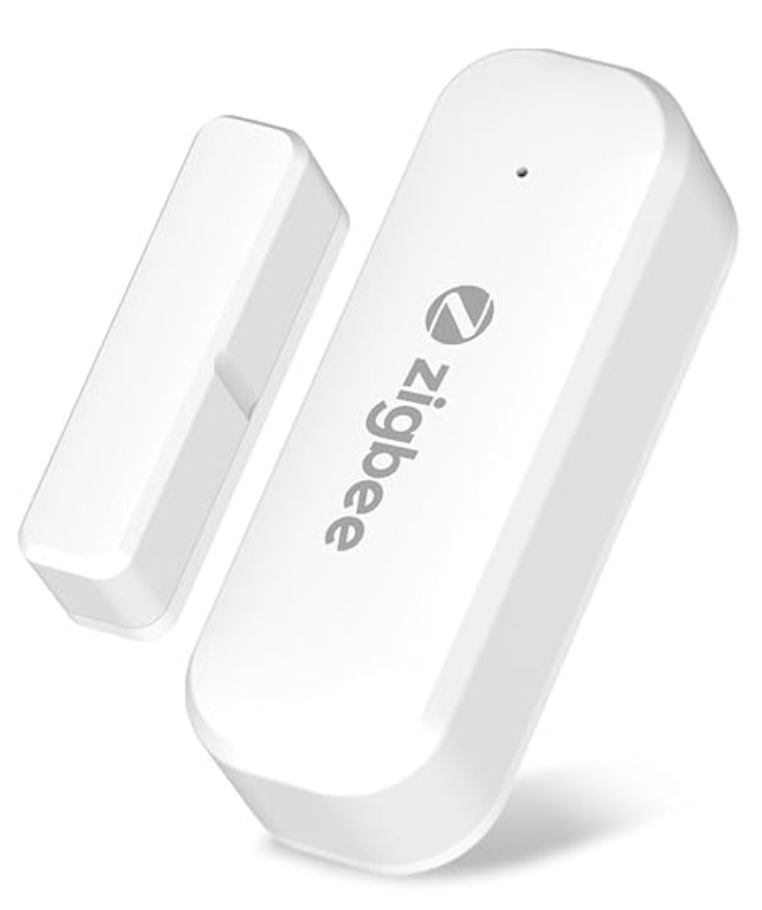
Real-time door status for classrooms, closets, entrances, and exits. The Smart Sensor streams open/closed, battery%, replace-battery, and tamper to your Azure-hosted DoorCheckr.app — improving awareness between scheduled checks.
Boosts School Safety
Spot doors left open during school hours with time-based alerts and campus-wide visibility.
Complements NFC Checks
Continuous telemetry between staff check-ins, so compliance is tracked end-to-end.
Mesh Reliability
Zigbee 3.0 mesh with coordinator + hallway repeaters extends across floors and wings.
Azure Integration
Data flows to DoorCheckr.app for KPIs, reports, and actionable incident timelines.
How it works
Data we capture
- • contact: open | closed
- • batteryPercent: 0–100
- • replaceBattery: true | false (threshold)
- • tamper: true | false
- • timestamp, deviceId, buildingId, doorId
What you need
- • Zigbee Coordinator (e.g., SLZB-06) connected via USB/LAN/Wi-Fi
- • Zigbee2MQTT + MQTT broker (e.g., Mosquitto)
- • Optional Zigbee repeaters for long hallways and stairs
- • Azure API key configured on your forwarder
Installation tips
- • Gap: keep magnet within ≤ 20 mm of the sensor mark
- • Use alcohol-cleaned surface + VHB tape or screws
- • Place repeaters ~15–20 m apart in corridors
- • Assign buildingId and doorId in your site map
FAQ
Does this replace NFC door checks?
No. Smart Sensors complement your Android + NFC workflow by providing continuous telemetry between staff check-ins.
How does data reach DoorCheckr.app?
Sensors → Zigbee Coordinator → Zigbee2MQTT → MQTT → tiny forwarder → Azure API (bearer token).
Can we deploy across multiple buildings?
Yes. Use one coordinator per site (or per large area) and add repeaters. All data rolls up to your campus and district reports.
Ready to pilot Smart Sensors?
Start with a single hallway or one building. You’ll see live KPIs within minutes of installation.
